How to Redeem Rocket Spleef Codes
Lobby Settings, exact menu labels, and troubleshooting when a milestone string fails.
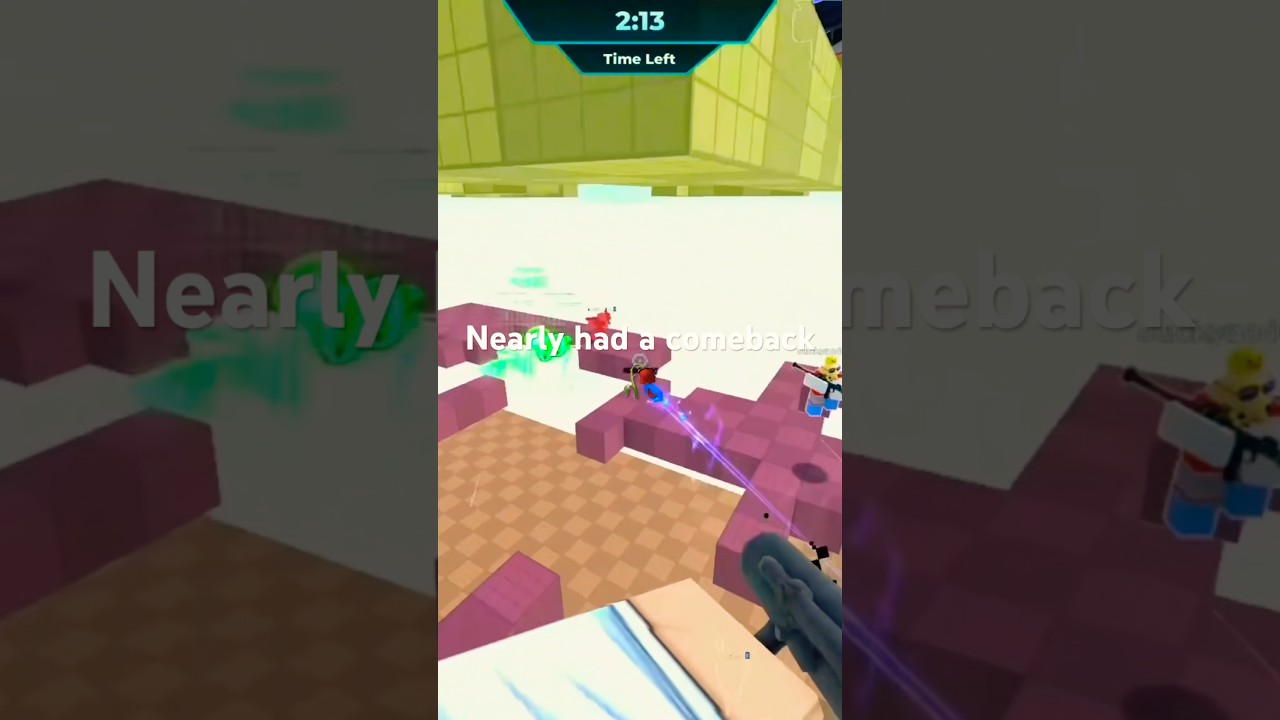
Redeeming a promo code in Rocket Spleef takes less than a minute when you are already in the lobby. The game hides the text box inside Settings on the left side of the lobby UI — not inside a match, not inside the crate shop, and not on the Roblox website. This guide walks through the exact labels Blammo Works uses today, common error messages, and what to do when a milestone string from the Codes Hub refuses to accept.
Codes reward Voxels, the free currency you spend on cosmetic crates. Redemption is account-wide for that Roblox profile: once 3750LIKES or 17500LIKES succeeds, you cannot claim the same string again on that account even if a sibling code still works. Plan to redeem on your main profile first, then read How to Get Voxels for ongoing income after one-time promos run dry.
Before you start
Gather these prerequisites so you do not waste a limited-time string:
- Be in the lobby — finish or leave any active arena match. The code UI is disabled while rounds load combat HUD elements.
- Use a string from a trusted list — start with active candidates on the Codes Hub and verify in-game the same session you copy it.
- Check patch timing — if Blammo Works just shipped an update noted on the Updates Hub, old milestone tiers may expire without a banner. Try newer like-tier strings first.
- Copy, do not retype — Roblox text fields treat
10KLIKESand10klikesdifferently when the developer enabled case sensitivity.
Step-by-step redemption
Follow these steps in order. Menu names match the English client as of the March 2026 release window.
Step 1: Launch Rocket Spleef
Open the experience from Roblox search or your favorites list. Wait until the lobby camera loads and you see navigation buttons for play, crates, and settings. If you spawn directly into a match, open the menu and return to lobby before continuing.
Step 2: Open Settings (left side)
Look at the left edge of the lobby screen for a Settings button or gear icon. Tap or click it. Mobile players use the same left-side cluster; the code box is not buried inside Roblox’s top-right Roblox menu.
Step 3: Choose Enter Code Here
Inside Settings, select the row labeled Enter Code Here. A text field and confirm button appear. This is the only official redemption surface — ignore browser plugins or Discord bots claiming they redeem on your behalf.
Step 4: Paste the code and confirm
Paste the milestone string exactly, for example 25KLIKES or 7500LIKES. Press Enter or tap the on-screen confirm control. Valid codes show a success toast and bump your Voxel counter immediately.
Step 5: Verify your reward
Open the crate or cosmetics flow and confirm Voxels increased. Reported amounts vary: community logs often cite ~1100 Voxels for 3750LIKES and ~300 Voxels for 17500LIKES, but Blammo Works can retune rewards silently. If the counter moves, the code worked even when the popup text is vague.
Platform notes: PC, mobile, and console
PC — Left click opens Settings; paste with Ctrl+V inside the code field.
Mobile / tablet — Tap Settings on the left, then Enter Code Here. Long-press to paste from clipboard; avoid autocorrect changing LIKES to Likes.
Console (Xbox) — Virtual keyboard makes typos common. Copy the string on a phone, send it through a messaging app, and paste if the platform allows cross-device clipboard; otherwise type slowly and double-check each character.
Shooting controls (Left Click / Tap / RT) do not interact with the code UI — redemption is entirely lobby-side.
Error messages and fixes
| Symptom | Likely cause | What to do |
|---|---|---|
| Invalid code | Expired string or typo | Try the next active candidate on the Codes Hub; confirm spelling |
| Already redeemed | Same account claimed it | Switch to a different code or accept that one-time rewards are spent |
| Nothing happens | Still in-match UI | Return to lobby; reopen Settings |
| Success but no Voxels | UI lag | Reopen profile or rejoin the experience |
| Code works on alt, not main | Prior redemption | Expected behavior — not a bug |
If every active candidate fails after a patch, wait for a new milestone announcement. Track sources listed in Where to Find Codes instead of spamming old strings like 1KLIKES, 1750LIKES, or 2500LIKES that usually sit in the expired bucket.
Security reminders
Never share your Roblox password with a “code redeem” website. Blammo Works only accepts strings inside the official lobby Settings menu tied to Rocket Spleef place ID 126857641130765. Scam pages that ask you to log in through a third-party form are unrelated to the game.
After you redeem
Spend Voxels deliberately: crate openings are cosmetic only and do not change rocket damage or pickup spawn rates. Pair your new balance with gameplay guides — How to Play for round flow, Rocket Jump Guide for movement tech, and the Tier List if you want community opinions on pickup priority.
When the next like milestone hits, repeat this flow with fresh strings and update your personal notes so you remember which accounts already claimed which tier.
Related pages
- Codes Hub — active and expired string tables
- Where to Find Codes — Discord, group, and milestone alerts
- How to Get Voxels — earning beyond promos
- Updates Hub — patches that often rotate codes
Frequently Asked Questions
Quick answers for Rocket Spleef on Roblox.
Can I redeem Rocket Spleef codes during a match?
No. Open the lobby first, then Settings on the left, then Enter Code Here. The redemption field is unavailable while arena combat UI is active.
Why does Enter Code Here not appear for me?
You are likely still in a match or still loading. Leave to the lobby and wait for the left-side Settings button to appear. Update the experience if menus look outdated after a patch.
Do codes grant the same Voxels on every account?
The reward type is almost always Voxels, but the amount can differ by code tier or patch. Verify the balance change on your account rather than trusting outdated reward charts.
Can I redeem the same code on two Roblox accounts?
Yes, each account redeems independently until that account has already claimed that specific string. You cannot redeem the same code twice on one profile.
Where should I look when every code says invalid?
Check the Codes Hub for newer milestone strings, read recent Updates, and follow the official group or Discord listed in our find-codes guide rather than reusing expired tiers.